Buy anything from 5,000+ international stores. One checkout price. No surprise fees. Join 2M+ shoppers on Desertcart.
Desertcart purchases this item on your behalf and handles shipping, customs, and support to Gibraltar.
🖨️ Print smart, live smarter — your all-in-one office sidekick!
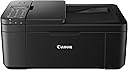
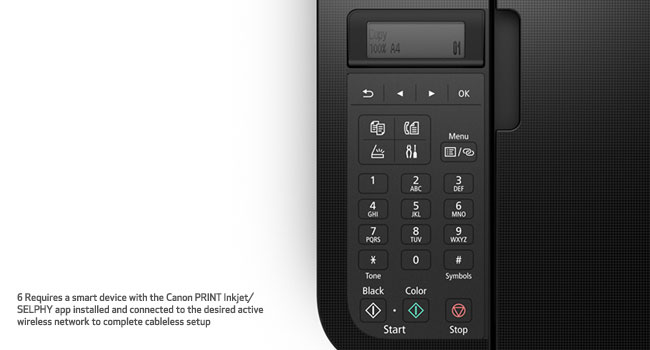
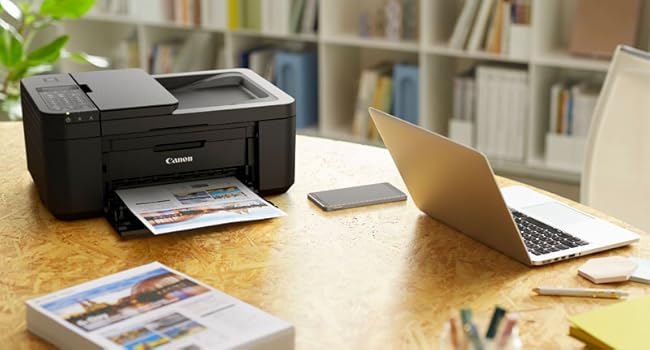
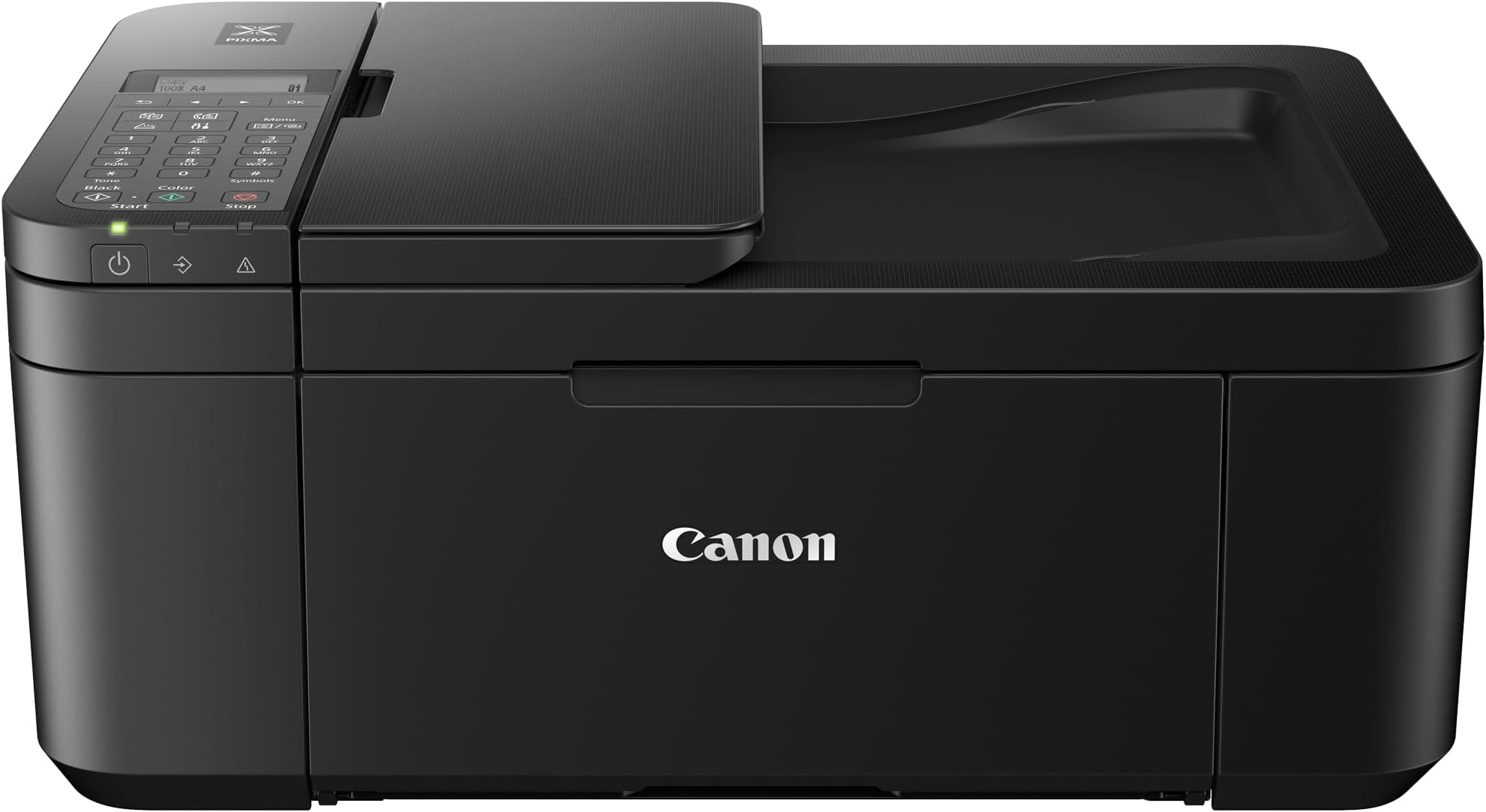
The Canon PIXMA TR4520 is a compact, wireless all-in-one inkjet printer designed for busy professionals who demand convenience and quality. Featuring mobile printing compatibility, automatic duplex printing, a built-in ADF, and Alexa voice control, it streamlines office tasks while saving space. With smart ink replenishment and broad OS support, it’s a versatile, efficient solution for modern workspaces.


| ASIN | B07G5XZVLG |
| Additional Printer Functions | All In One |
| B&W Pages per Minute | 8.8 |
| Best Sellers Rank | #84,999 in Office Products ( See Top 100 in Office Products ) #33 in Desktop Photo Printers |
| Brand | Canon |
| Built-In Media | Inkjet Cartridges, PIXMA TR4520 Wireless Office All-In-One Printer, Paper, Power Cord, Setup CD |
| Color | Black |
| Color Pages per Minute | 4.4 |
| Compatible Cartridge | PG-243 (black), CL-244 (color) |
| Compatible Devices | Smartphones |
| Control Method | Voice |
| Controller Type | Amazon Alexa, Vera |
| Customer Reviews | 4.2 4.2 out of 5 stars (14,523) |
| Display Type | LCD |
| Dual-sided printing | Yes |
| Duplex | Automatic |
| Global Trade Identification Number | 00013803306217, 00013803953046 |
| Hardware Interface | USB |
| Initial Page Print Time | 13.6 seconds (color), 6.8 seconds (black-and-white) |
| Ink Color | Black |
| Item Dimensions D x W x H | 11.7"D x 17.2"W x 7.5"H |
| Item Type Name | PIXMA TR4520 Wireless Compact Fax Printer |
| Item Weight | 13 Pounds |
| Manufacturer | Canon USA Inc. |
| Maximum Copy Resolution Black and White | 1200 dpi |
| Maximum Copy Resolution Color | 4800 x 1200 dpi |
| Maximum Copy Speed Black and White | 8.8 ppm |
| Maximum Media Size | 8.5 x 14 inch |
| Maximum Print Resolution Black and White | 1200 dpi |
| Maximum Sheet Capacity | 3 |
| Maximum print Resolution Color | 4800 x 1200 dpi |
| Model Name | Canon PIXMA TR4520 |
| Model Number | 2984C002 |
| Model Series | TR |
| Number of Trays | 1 |
| Other Special Features of the Product | Auto Power Off, Scanning |
| Output sheet capacity | 3 |
| Paper Size | 4 inch x 6 |
| Power Consumption | 172 Watts |
| Print media | Glossy photo paper |
| Printer Connectivity Type | USB, Wireless |
| Printer Output Type | Color |
| Printer Type | Inkjet |
| Processor Count | 1 |
| Resolution | 4800 x 1200 |
| Scanner Type | Photo, Portable |
| Series Number | 2984 |
| Specific Uses For Product | Office |
| Total Usb Ports | 1 |
| UPC | 013803306217 013803953046 |
| Unit Count | 1.0 Count |
| Warranty Description | 1-Year Limited Warranty with InstantExchange Program. |
| Warranty Type | limited warranty |
| Wattage | 172 watts |
K**Y
Good printer, and not like any use owned in the past.
Okay, so this wasn't hard to set up, but you do need to follow the instructions. This isn't a printer you can just plug in and start printing. I've noticed a lot of bad reviews because some people can't figure out why the printer can't detect the paper you've loaded, but there’s a reason. if you're getting the load paper message, even though you've loaded paper into the tray, and can't figure out why, it's because the paper tray pulls out so you can load paper in it, but it can also tell if you didn't push the tray back into the printer. The printer has a sensor just for the tray. It cannot reach the paper unless you push the tray back in, giving you the load paper message. Beyond that, everything works fine with the printer. Wifi for the printer took a little thinking, but not too hard. Print quality is average, but that's expected for a low priced printer. It is kind of loud, but it's a printer. What did anyone expect? It's not going to be quiet.
B**A
A good printer, works in Linux Mint 19.1 with 2 drivers downloaded (scan and print)...
I haven't fully used this yet, I haven't tested the Fax and Scanning fully, but it's a nice printer. Color for cheat sheets is good and sharp, for instance. There is a little setup, two drivers for Linux to install, and you want to manage your firewall in Linux with it, and your local IP with your router, but it works flawlessly once you figure those out, very lovely product. My beloved (other brand) 15 year old laser printer stopped feeding sheets (I'm trying to fix it) so I had to get something, and figured color might be useful. Ink Jet printers are expensive with ink, but the refill I am using works well with initial tries. Works great with phone wirelessly, and Linux and Windows boxes (haven't tried Mac), and works with my laptop just as well as my desktop (both Linux) wirelessly. You have to figure out and connect using the settings (the settings are a little difficult to figure out on the printer itself) to establish what assigned local IP is assigned and then install the printer and scanner drivers and open your firewall, and badda boom, it's good to go!. (linux is more explicit and controllable than Windows and as such, an ounce of setup is worth a ton of cure). I've only used this on Debian based versions so far, FWIW. It doesn't seem to use much power if left on, which is great, too.
A**R
Nice printer
Arrived quickly, well packaged in original box. Set up was not as easy as it could have been but not due to the printer. The easy wireless set up failed because my router is not WPS as my internet company considers it less safe. Ok by me, I love security but I had to reset and start over so check that before you start. Once connected, the printer works great but I removed one star because the black ink cartridge that came with it was dry so I had to spend extra money buying one.
W**.
Let's Be Honest.
You're not here looking at this printer because you have some special job/ purpose. You need to get whats on your screen onto some paper so you can turn it over to an Employer, Teacher, or Government entity. Well congratulations you've found it. This is the printer that checks the box, it prints color just fine, black and white too. If you need an emergency photo on glossy paper it'll do and no one outside of the photography business will be any the wiser. Want to know why I'm here? I'm here because Epson will not print black and white when the Cyan cartridge is empty. I found this printer for $50. Not sure what it is for the endearing reader of this review but you can be assured I was not about to spend that exact amount to refill my Black+Color Epson ink cartridges. Although I cannot yet speak as to whether the printer will print in black and white with a depleted color cartridge. I have had cannon printers in the past that have. Even being able to print my documents in color ink when black ran out in a pinch. I'll keep you informed on that when the time comes. So let's boil it down. Yes, it works and it works well for your College students and Households NOT Offices (if you want an Office printer get any Laser Printer and you'll be fine.) It's not fast, it gets the job done well, easily, and reliably.
A**Y
Absolute garbage
I had a Canon MX922 for YEARS that I abused, and it was great, it finally hit the end of it's road (and it was a good long road) and having had a good experience, wanted to get another Canon and made a colossal mistake buying this piece of garbage. Bought it July 1, it's now September 2, so just about two months in, and really haven't used it very much in those two months: 1) Ink ran out: IN LESS THAN TWO MONTHS OF MINIMAL USE!! 1a) The ink replacements are easily 5x the cost of the MX922 ink cartridges 2) Having replaced the black printing is atrocious, like illegibly atrocious, some pages can barely see the ink at all, after cleaning and deep cleaning 3) Two sided printing stopped working about two weeks ago (it's a cheaper printer so I was willing to let this slide) 4) The screen doesn't light up, and isn't touchscreen, it's in a cabinet, where the MX922 was just fine (also not touch screen but it's 2020 for goodness sake!) but not lighting up makes it difficult to see anything that is going on on the screen 5) It jams constantly 6) It's very plasticy and cheap feeling, unlike the MX922 which was stylish, and just felt like it was well made FWIW, the MX922 we bought for under $100 at the time, so it was not an expensive printer, but with this overpriced paperweight we have now, we essentially went from a Toyota Camry, not flashy, not expensive, but reliable, and runs forever with minimal upkeep to a Geo Metro and paid more for it than we did the Camry. And of course, it craps the bed just after the Amazon return date is up... guess that makes it a bit more like Chevy planned obsolescence. Completely disgusted, DO NOT BUY THIS CHEAP PIECE OF GARBAGE, disregard the positive reviews, do not listen to them.
S**Y
nothing every thing works perfectley
T**A
Por el preció no me esperaba algo tan bueno y es genial. Para conectar la impresora al modem es mejor buscar un vídeo en internet porque las instrucciones son engorrosas. Quedé totalmente satisfecho. En copilco venden cartuchos económicos.
P**R
Great home office printer.
M**E
Estoy muy preocupada no encuentro en la CDMX cartuchos de tinta para k impresora no hay en Amazon dónde los puedo conseguir es urgente ya no tiene tinta negra
A**R
Actual Printer size was smaller than I expected
Trustpilot
Hace 1 mes
Hace 5 días